Neural Design Generator

Your idea. Your design.

Describe your idea and turn it into a custom design for shirts, hoodies and more in just a few moments.

Create design

Describe what your ideal design should look like.

Language for the design and metadata
Applies to the design, Spreadshirt, Etsy, and Amazon metadata, and the Jarvis API.
The more precisely you describe your idea, the better your design will match it.
Choose a style

Choose the visual style that best fits your idea.

PNG
Transparent background
AI-generated

Design know-how from Neural Design Lab

From idea to a design that works on fabric.

A clear prompt is just the beginning. In our guide, we show you how to define your subject, style and composition – and check the finished PNG before you put it on a product.

Refine your idea Choose a style Check the print file
Open the guide
01
DescribeWhat should people notice first?
02
DesignChoose style, colors and layout.
03
ReviewCheck details and contrast in the PNG.

From CSV in practice

See what CSV-generated designs look like

Jedes Motiv wurde aus einer CSV-Zeile mit eigener Idee und Gestaltungsvorgabe erstellt. Je nach Seitensprache siehst du passende Ergebnisse aus deutschen oder englischen CSV-Zeilen.
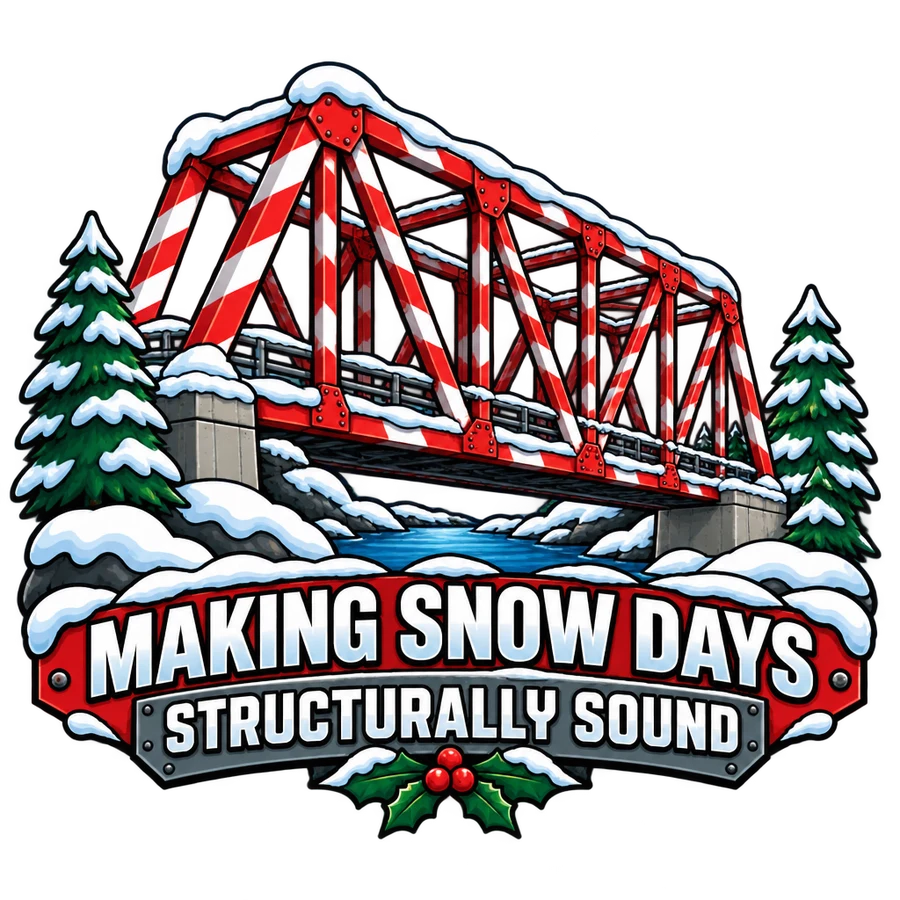
Christmas apparel design for structural engineers: Making Snow Days Structurally Sound
Structural engineering · “Making Snow Days Structurally Sound”A snow-covered red bridge with a playful engineering slogan.
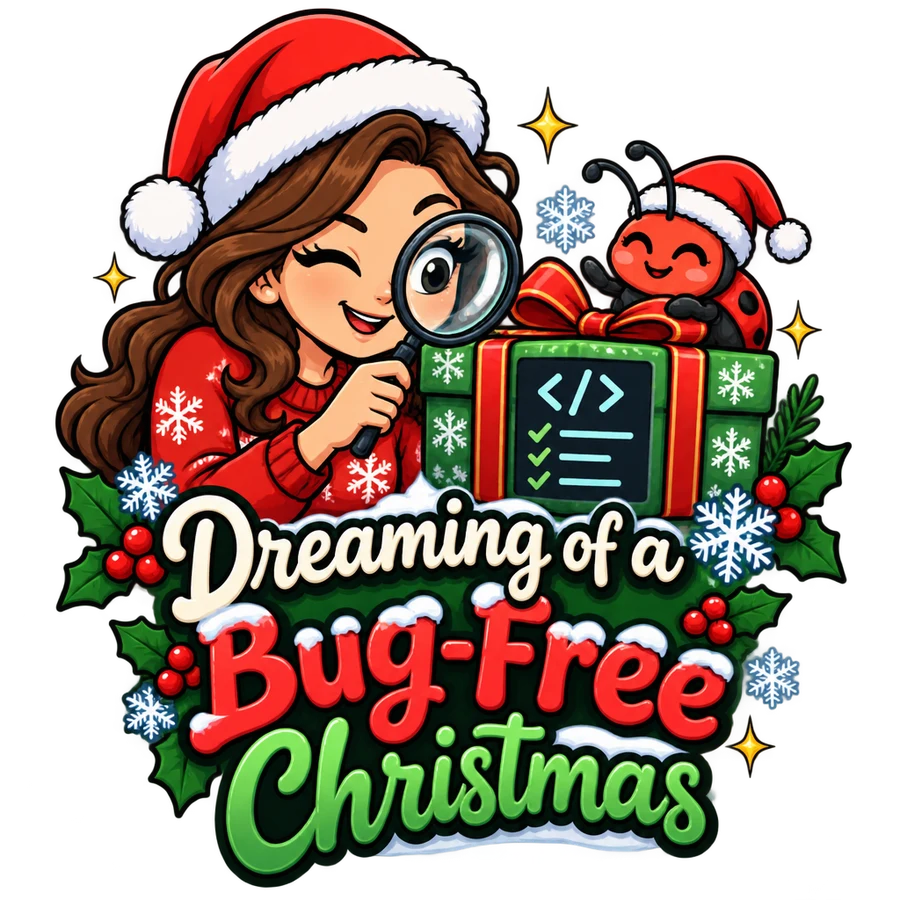
Christmas apparel design for software developers: Dreaming of a Bug-Free Christmas
Software development · “Dreaming of a Bug-Free Christmas”A festive developer illustration with a ladybug and a wrapped present.
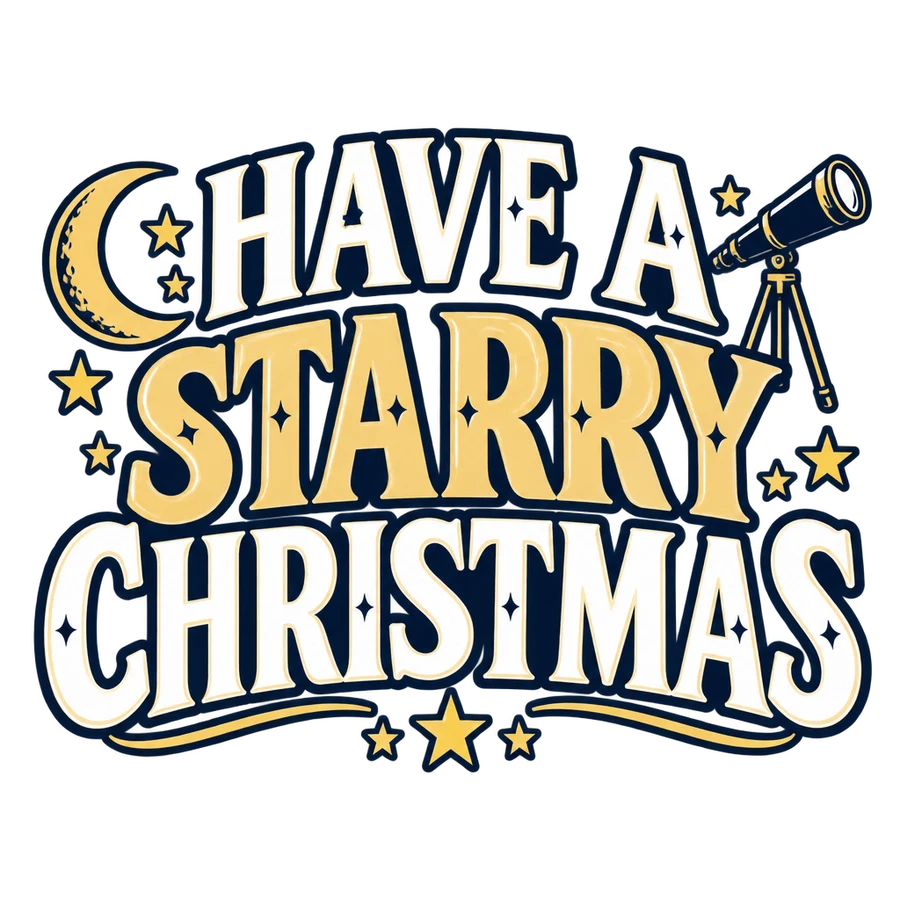
Christmas apparel design for astronomers: Have a Starry Christmas
Astronomy · “Have a Starry Christmas”Moon, stars and a telescope frame the lettering.
View CSV examples and guide

Design knowledge

From a first attempt to a design you can evaluate.

First describe what should appear on the shirt, including any words. Then inspect the actual PNG: a successful download does not mean its lettering, transparency and print size are correct.

01 · Typography

Put the slogan in the brief.

Choosing English alone does not request a slogan. Specify the wording, make lettering the main element and remove conflicting instructions such as “no text”.

Plan the lettering ↗
02 · Print preparation

Pixels are not a print size.

Choose the intended print width. Check pixel dimensions, transparent edges and contrast on the garment colour before uploading.

Check the PNG file ↗
03 · Workflow

Test first, then expand.

Each CSV row is a separate brief. Test the columns and text instructions with two designs before spending credits on a larger batch.

Prepare a CSV using an example ↗
Creating your design...
AI Generation

Your design is being created

Our AI is turning your idea into a finished design.

AI is generating your design...
This may take a moment. Please don't close this page.